




The alert lands at 2:14 a.m.: an endpoint is talking to an IP address nobody recognises, and the account making that connection belongs to a finance manager. By the time someone logs in, three more machines are beaconing the same address. What happens over the next 24 hours will shape the cost, the scope, and the credibility of everything that follows.
An incident response plan does not need to be beautiful. It needs to tell a tired person, under pressure, what to do next. Below is a working template for the first day — a structure you can adapt to your own environment. Trim it, put real names in it, and rehearse it. A plan nobody has read is a document, not a plan.
Minutes 0–60: Confirm, Declare, and Take Control
Resist the urge to start fixing things before you know what you are fixing. The first hour is about establishing command and a shared record.
- Appoint an incident commander. One person owns decisions and the timeline. They do not have to be the most technical person in the room, and they should not also be the one with hands on a keyboard.
- Start a log immediately. A shared document with timestamps, the author of each entry, and what was observed. Note the timezone. This log becomes the backbone of your post-incident review and, if it comes to it, of conversations with insurers and regulators.
- Classify severity. Use whatever bands you already have — for example low (single user, no data risk), medium (multiple hosts, no confirmed exfiltration), high (critical systems or confirmed data access). The classification drives who gets woken up.
- Open a clean channel. Keep coordination off the systems you suspect: a separate chat channel, a phone bridge, or a war room with a whiteboard.
- Decide whether to declare. Declaring an incident is not an admission of failure. It releases resources, triggers the plan, and starts the clock on notification obligations you may not be able to stop later.
Containment: Stop the Bleeding Without Burning the Evidence
Containment is the part people rush, and the part where small mistakes create large ones.
The "just pull the plug" reflex
Powering off a compromised machine wipes the contents of memory: running processes, network connections, injected code, sometimes encryption keys. In many investigations that memory is the most useful evidence you will ever get. Isolate the host from the network instead — disable its switch port, move it to a quarantine VLAN, or apply a host-based block — and leave it running until someone has captured memory. Where that is not possible, write down why. A short note made at the time is worth an hour of confused recollection later.
Contain, then think about tipping off the attacker
Mass password resets across the whole directory can tell an intruder they have been spotted and push them to move faster or destroy evidence. Contain firmly but thoughtfully: block known command-and-control addresses at the perimeter, disable the specific accounts involved, revoke active sessions and tokens, isolate affected segments. Then watch. A brief period of observation often reveals persistence mechanisms and additional access you would otherwise miss.
Evidence Handling: Preserve First, Tidy Second
You do not need a forensic laboratory, but you do need discipline. Whoever touches a system should be able to say when, what they did, and why.
- Capture volatile data first — memory, running processes, active network connections — before any shutdown or reboot.
- Image disks with a write blocker where practical, and record hashes of every image you take.
- Export relevant logs from central systems and cloud tenants early. Retention windows are often shorter than you expect.
- Keep originals untouched. Analyse copies, not the source.
- Document the chain of custody: who collected what, from where, at what time, and where it is stored now.
If litigation, a regulatory investigation, or a claim is plausible, involve legal counsel early. Rules about what must be preserved and what may be disclosed vary by country and industry, and that is a question for a lawyer, not a search engine.
Communication: One Voice, Two Audiences
Communication failures damage organisations long after the malware is gone. Divide the work.
Internal
Set a cadence — every 30 to 60 minutes at first, then hourly — and stick to it even when there is nothing new. A short "no change, still investigating" beats silence. Give executives a plain-language summary: what is affected, what customers can currently see, what you are doing, and when the next update comes.
External
Identify early whether you may need to notify customers, a regulator, law enforcement, your insurer, or a key partner. Deadlines differ by jurisdiction and sector, and some are counted in hours. Draft holding statements before you need them: one for customers, one for staff, one for the press. Do not speculate about cause or scope on the record — say what you know, and say when you will say more. Keep a single spokesperson; well-meaning engineers answering questions directly usually create a second, contradictory account that is hard to walk back.
Recovery: Rebuild, Don't Patch and Pray
Eradication means the attacker's access is gone, not that the symptoms stopped. That usually means rebuilding affected systems from known-good images rather than cleaning them in place, then rotating every credential the attacker could have touched: passwords, API keys, service accounts, certificates, session tokens.
Verify backups before you trust them. A backup made after the compromise may carry the intruder with it. Restore into an isolated environment, confirm it is clean, then bring it back. Expect heightened monitoring for at least a couple of weeks; re-entry attempts are common.
The First 24 Hours Checklist
- Incident commander named; timeline log started.
- Severity classified; escalation and notifications triggered.
- Affected systems isolated — without powering them off.
- Memory and logs captured; chain of custody documented.
- Compromised accounts disabled; sessions and tokens revoked.
- Legal, insurer, and leadership briefed as required.
- Internal update cadence agreed and held.
- Recovery plan confirmed; credentials rotated.
- Handover note written for the next shift.
Make the Plan Real
Write the plan in plain language, name real people and their backups, and keep emergency contact details somewhere that does not require the network you just isolated. Then run it: a tabletop exercise twice a year, and at least one live scenario where someone has to capture memory under time pressure.
The teams that handle the first 24 hours well are rarely the ones with the longest documents. They are the ones who already know who is in charge, what gets preserved, and what they will say — so the only thing left to do at 2:14 a.m. is the work itself.
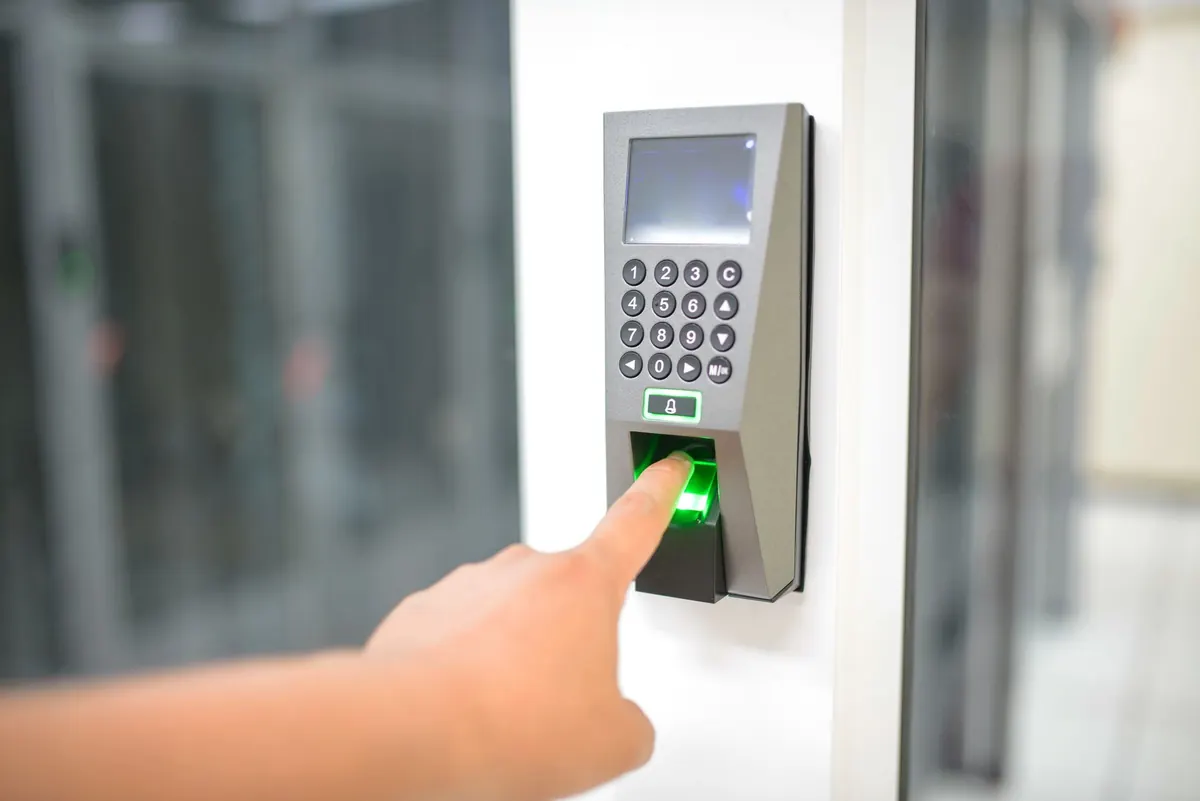
Photo: Tima Miroshnichenko / Pexels